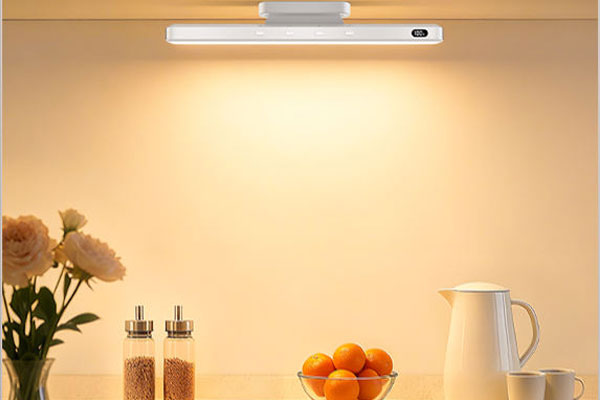
With the increasing prevalence of smart lighting devices, motion sensor night lights have become a common sight in homes. They automatically sense human activity at night and turn on, providing a soft light source for nighttime outings or getting up at night.
However, many users notice a detail when purchasing or using them—some motion sensor night lights have a USB port.
This has left many wondering:
Why would a night light have a USB interface?
What is the purpose of this USB port?
Is it related to data transfer or other electronic functions?
This article will delve into the question of “Why do motion sensor night lights have USB ports?” from multiple perspectives, including technical principles, power supply design, functional uses, and usage precautions, helping you fully understand its true purpose and the design logic behind it.
To understand the significance of a USB port, we must first understand the structure and working principle of a motion sensor night light.
A typical motion sensor nightlight usually consists of the following components:
1. LED Lighting Module
Provides the light source, characterized by low power consumption, high brightness, and long lifespan.
2. Infrared Motion Sensor (PIR)
Detects changes in body heat (differences in infrared radiation) to determine if someone is passing by, triggering the light to turn on.
3. Photosensitive Sensor
Uses to determine ambient light level, enabling intelligent control of “on at night, off during the day.”
4. Main Control Circuit
Responsible for receiving sensor signals, processing logic, and controlling the light’s on/off state.
5. Power Supply System
Can be powered by a battery, capacitor, or USB, ensuring stable system operation.
6. External Interface (e.g., USB Port)
This is the part we will focus on in this article. Not all nightlights have USB ports, but they are becoming increasingly common in modern products.
The addition of a USB interface is not merely “add-on decoration,” but a key design element for power and functionality optimization.